
Videos are now dominating everywhere and making up 82% of the world’s internet traffic. The increasing demand for videos has led marketers adapt to video campaigns, as 90% of them say that they deliver better ROI than other formats. So, a reliable video creation platform is necessary to create stunning videos that capture the audience’s attention. That’s when Veed.io was the go-to editor for many, but now they want more, like Advanced AI tools and customization features.
For that very reason, we have researched and come up with the best Veed alternatives that offer more features, smarter workflows & better pricing. So, whether you’re a beginner, marketer, educator or pro filmmaker, you can find the right tool to make great video content.
TL;DR
The best VEED alternative depends on what you want to create. Kapwing suits browser-based editing, subtitles, and team projects. Canva works well for quick, template-based videos, while Descript helps you edit recordings through their transcripts.
For AI-generated visuals, consider Runway. For avatar-led training and business videos, explore Synthesia. Before choosing, compare export quality, watermark restrictions, AI usage limits, and the total subscription cost.
Here’s a quick glance at the alternatives to veed.io:
| Platform | Key Feature | Pricing | G2 Rating |
| Kapwing | Online video editor with AI subtitles, transcript-based editing, and video resizing | Free plan; Pro at $16/member/month billed annually or $24 billed monthly | 4.6 / 5 |
| Runway | Text-to-video generative AI editor | Free PlanPaid plan starts at $12/month | 4.6 / 5 |
| CapCut | Multi-platform editing tool with AI filters and trendy templates | Free PlanPro Plan from $9.99/month | 4.4 / 5 |
| Synthesia | Create AI avatars in 120+ languages | Free TierStarts at $18/month | 4.7 / 5 |
| Descript | Transcript-based video/audio editing | Free with limitsBase Plan begins from $16/month | 4.6 / 5 |
| Canva | Drag-and-drop editor with millions of templates | Free to usePro at $15/month | 4.7 / 5 |
| Riverside | Text-based editing using AI | Free TierPro starts at $24/month | 4.8 / 5 |
Why Do People Look for Veed Alternatives?
Veed.io is a popular video editing software among creators and marketers, but it is not the perfect fit for everyone. Now users are looking for tools with AI, team collaborations, cross-platform functionality, and more. Whether you make shorts, ads, explainers, or full courses, this list will help you find the right fit for your video goals!
7 Best Video Editing Alternative to VEED
1. Kapwing
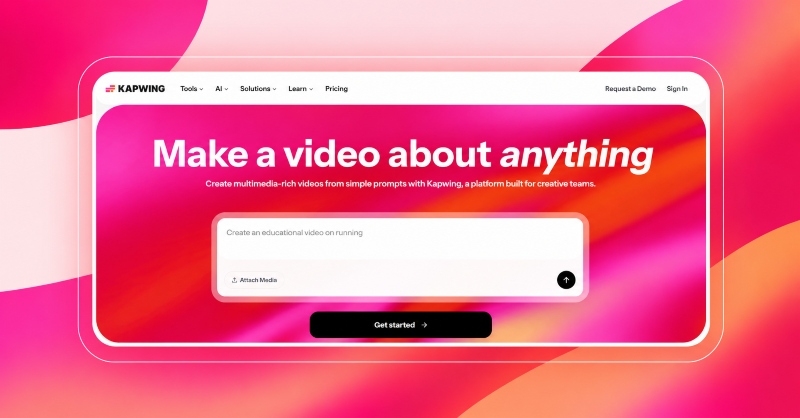
Kapwing is an online video editor that helps creators and marketers trim, split, resize and combine videos without installing software. Its browser-based workspace brings video clips, audio, text and subtitles together, making it useful for creating tutorials, promotional videos and social content.
You can resize videos for different platforms, generate captions and edit footage through its transcript. Shared workspaces also help teams organize media, review projects and collaborate on edits. These features make Kapwing a practical VEED alternative for everyday content production.
Why Choose Kapwing Over VEED?
Consider Kapwing if your workflow involves repurposing videos, adding subtitles and working with teammates in a shared editing environment. Its combination of timeline editing, transcript-based tools and collaboration features gives creators another option to compare with VEED.
Key Features
- Trim, split and combine video clips in an online editor.
- Resize videos for landscape, square and vertical formats.
- Generate subtitles and customize their appearance.
- Remove sections of footage by editing the transcript.
- Organize assets and collaborate through shared workspaces.
Pros
- Browser-based editing without software installation.
- Combines editing, captions and resizing in one workspace.
- Supports team collaboration and project feedback.
Cons
- Free-plan exports include a watermark.
- Upload, export and feature limits vary by plan.
- AI-generated captions may require manual corrections.
2. Runway ML
Best for: Cinematic-level videos with AI-generated visuals
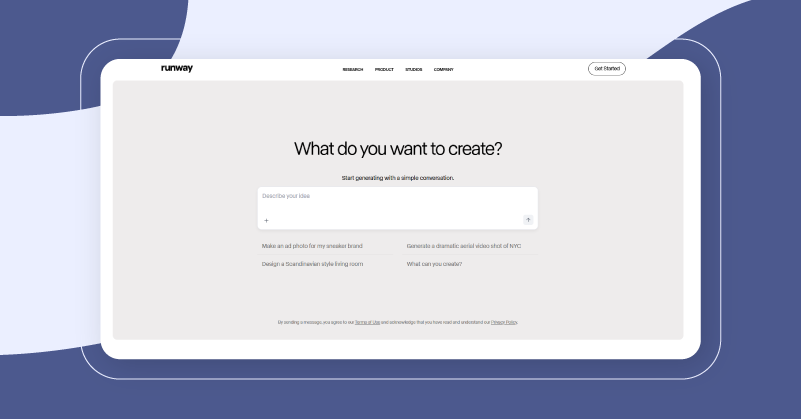
Runway ML is an open-source generative AI video editing platform for creators, studios, and design teams. It has been the key in changing creative workflows for nearly 100,000 users till date. The runway models support text-to-video and image-to-video conversion, motion editing, and background removal.
All of this runs in an intuitive, browser-based canvas with real-time collaboration and multi-format export. Whether you need cinematic scenes, stylized animations, or VFX, Runway ML delivers pro-grade results without the headache of traditional editing suites. The AI-assisted storytelling is what makes Runway ML stand out as the best veed alternative for creativity.
Why Choose Runway ML Over Veed?
Unlike Veed.io, Runway ML offers an AI video generation tool to turn your text or images into videos, remove background, and animate. Forget trims and captions, Runway ML pushes the boundaries with AI-driven creativity, collaborative workflows, and generative effects.
Key Features
- Gen3 and Gen4 models to make text-to-video & image-to-video generation easier and faster.
- Smart background removal with 99% perfection.
- Team collaboration and real-time editing in shared workspaces.
- Automated rotoscoping and motion editing for a cinematic look.
- Supports multiple formats for social channels up to 4K resolutions.
Pros
- Complete browser-based editor eliminates the need for expensive hardware
- Create scenes from multiple angles for a more stunning look
- Multiple users can work on a project simultaneously
Cons
- Credit-based price can be confusing and runs out fast
- Requires a learning curve for advanced editing
- A stable high-speed interest is a must
3. Capcut
Best for: Mobile-first social media video editor for on-the-go users
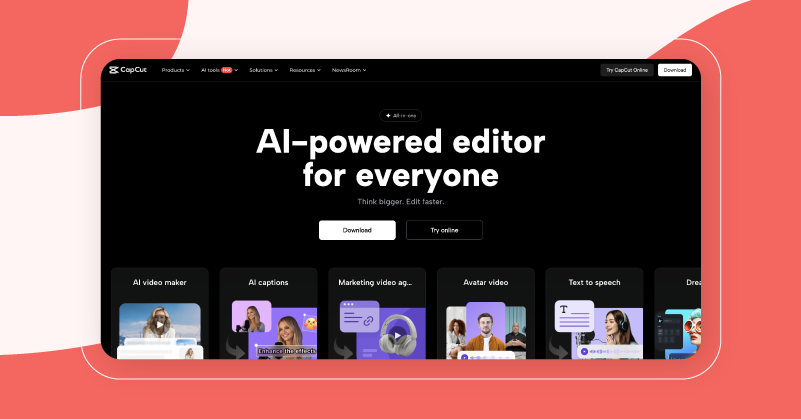
CapCut is a mobile and desktop video editing platform with over 500 million monthly active users across the US, UK and more. For short film creators, it has AI-based auto-captioning, background removal, keyframe animation, multi-track timelines, and trendy filters for core editing.
The elegant trimming, chroma key, and music synchronization make it easy to create videos on your smartphone. Also, the built-in social templates let you post your polished videos instantly. It might be a good free veed alternative if you want a social-first, mobile-based editor without subscriptions.
Why Pick CapCut Over Veed?
CapCut gives mobile-optimized editing with dynamic AI filters, social-quality presets, multi-track timelines, and 4K exports for free, while Veed charges you for these. Those who want to whip up some quick, scroll-stopping social clips without a subscription, CapCut has you covered on your phone or desktop.
Key Features
- Auto-captions & speech-to-text for faster subtitling.
- Background removal chroma key for cleaner visuals.
- Multi-track timeline editing with keyframe animation.
- Trendy filters and TikTok transitions to stay updated.
- Easy export with all known social media presets (TikTok, Instagram, Facebook, Snapchat, YouTube and more).
Pros
- Completely free with AI-powered editing
- Mobile-friendly interface for fast creativity on the go
- Access to millions of templates and an asset library for branded content
Cons
- No batch exporting option
- Banned in many countries
- Limited editing functions on desktop
4. Synthesia
Best for: Creating lifelike AI avatars with multilingual audio
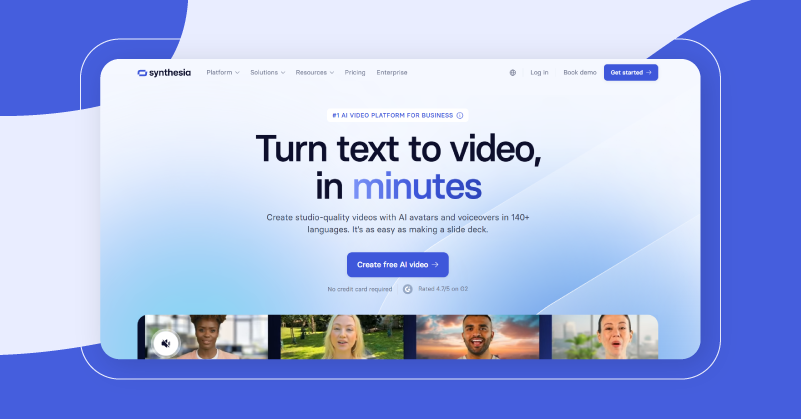
Synthesia is one of the best AI video generation tools trusted by 60,000+ businesses worldwide. It can change your text to polished, avatar-led videos in 120 different languages without cameras, talent, or studios.
You can use Synthesia for making training, marketing and multilingual communication videos instantly, while saving 34% of your production time. For businesses that need fast and polished multilingual content, Synthesia is a reliable alternative to veed.io.
Why Choose Synthesia Over Veed?
Veed is good at editing, but Synthesia takes it a level further. It lets you create AI avatars with multilingual voice over in a matter of minutes. You can easily turn your scripts into presentations with voice, captions, and analytics, then use them for training, onboarding, and even international outreach.
Key Features
- Create AI avatars in 120+ languages for global distribution.
- Text-to-video generator creates life-like videos without any cameras or mics.
- Auto captioning and translations enable wider accessibility and reach.
- Deeper analytics provides you with complete campaign insights.
- Permission tools let you control your videos and prevent unauthorized access.
Pros
- Create videos in minutes without any effort
- Human-like avatars add realism to your videos
- Saves production time and cost
Cons
- Pricing can be higher for solo creators and small businesses
- Limited editing options compared to other
- Emotional content also feels automated here
5. Descript
Best for: Text-based editing and video auto-trimming
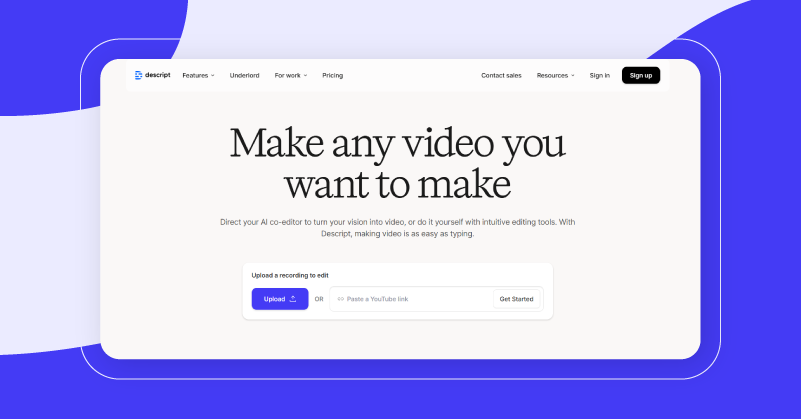
Descriptive is a transcript-based video editor that lets you edit videos like editing a Word document. It auto-transcribes your uploads to 25+ languages with 95% accuracy, saving you hours of work. An excellent alternative to veed.io for its complete video content production features.
With few editing tips even beginners can create professional videos using features like filler word removal (uh, um), screen recording, multi-track timelines, over-dub voice cloning, and project sharing. Editing podcasts, webinars or tutorial videos? Descript’s text-driven workflow and AI tools make editing easy for both beginners and pros.
Why Choose Descript Over Veed?
Veed.io offers traditional timeline editing, but Descript is a text-first editing platform. All you have to do is just delete words from your script to trim the video and audio. Ideal for educators, creators, trainers, and coaches who want editing to be done without the stress of a live timeline.
Key Features
- Remove words, phrases and sections from a video by editing the text.
- Filler-word removal automatically detects and eliminates unwanted pauses and words.
- Easily replace or add natural voice-overs using overdub voice cloning.
- Screen & multitrack recording lets you capture, edit, and mix video/audio.
- Collaborate with your team to work, share, and comment on the same project simultaneously.
Pros
- Text-based editing, even beginners can use it
- Fully automated, fast and accurate transcription saves hours of editing
- AI-powered tools streamline video production
Cons
- Very limited advanced editing tools
- Sometimes it lags and slows down
- Cloud-based tool, so no offline access
6. Canva
Best for: Quick template-driven video creation
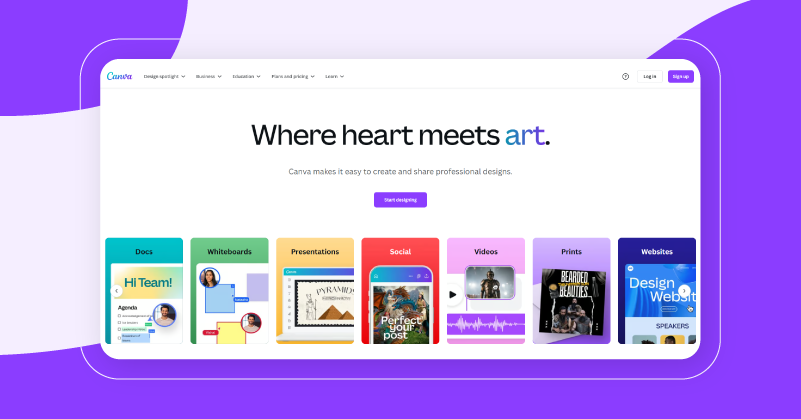
Canva is an easy video editing software and design tool used by more than 220 million people monthly across 190+ countries, including the USA, UK and India. With a drag & drop interface, animated templates, and lots of stock media, Canva makes social videos, presentations, and short clips easy for beginners.
Its AI-powered “Create a Video Clip” feature, powered by Google’s Veo 3, can now create 8-second videos with synchronized sound from just using text prompts. For those wanting a low-cost alternative to veed with no learning curves, Canva is the best option.
Why Choose Canva Over Veed?
Canva does visual design, video editing and AI content generation in one place, whereas Veed is primarily a video editor. For easy video creation with templates, stock assets, and AI tools, Canva lets you design, edit, animate, and publish with branding capabilities all from one intuitive workspace.
Key Features
- Easy to use drag and drop editor with animated templates for video creation.
- Massive stock library with access to more than 100 million photos, videos and audio files.
- Create cinematic shorts using Google’s Veo 3 AI video clip generator.
- Social scheduler and branding tools are included for consistent posting.
- Team can collaborate via shared folders and real-time editing.
Pros
- Canva made editing easy for everyone
- Provides a free plan without card details
- Built-in social scheduling and brand-kit options
Cons
- Lacks advance editing features
- Performance drops when working with large files
- Premium features require paid subscription
7. Riverside
Best for: Studio-grade editing using AI
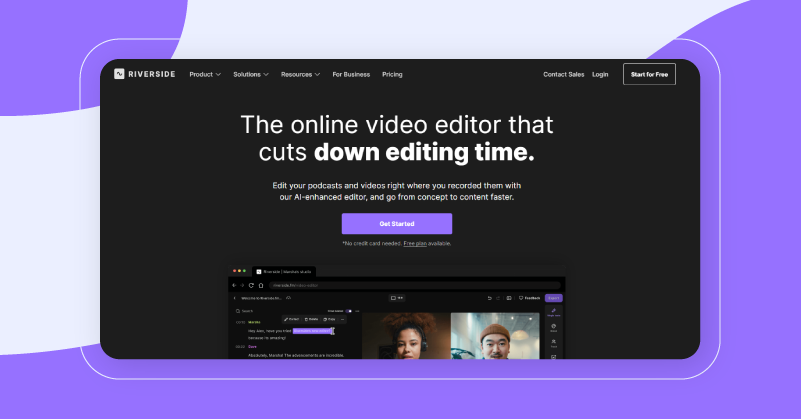
Riverside is a cloud-based video editing tool with AI and text-based editing features used by over 75,000 creators. The Magic Editor can transcribe your content in 100+ languages with 99% accuracy. You can easily delete words to trim videos, auto-filter filler words, and improve your audio clarity.
Add stylish layouts, scrub-by-text, and royalty-free overlays to make post-production easier and faster without any downloads or complicated timelines. If you want speed and quality without any complications, then this is one of the best veed.io alternatives available.
Why Choose Riverside Over Veed?
For fast, browser-based video editing, Riverside’s AI-driven editor beats Veed. It supports text-based edits, transcript syncing, filler-word removal, automated clip generation and remote recording. Perfect for content creators who want polished videos without having to put the tools together individually.
Key Features
- Remove words to trim the video using text editing via a transcript.
- Magic Clips lets you create shareable short videos automatically.
- AI helps to clean up filler words, awkward pauses and silence.
- Add custom layouts, captions, music, and branding with a multi-track editor.
- Accurate multi-language captions with 99% accuracy in 100+ languages.
Pros
- Perfect for beginners and professionals alike
- Create high-quality clips for social media in seconds
- Built-in timeline and clean-up tools
Cons
- AI editing can sometimes lag
- Works best only on Chrome/Edge browser on desktop
- Limited visual effects compared to others
Final Takeaway
The right video editing tool is what can make or break your content. From quick clips to professional editing, these 7 best veed alternatives cater to both beginners and creators alike. All these platforms give you something that Veed cannot, such as smart AI features, mobile flexibility, or robust post-production workflows.
For newbies, start simple: Pick a tool that you can learn fast, watch a few tutorials, and start editing. These platforms will work because they let your creativity flow without adding technical load.