
Is your current editing workflow under strain or are you an independent content creator looking for the right video editing software to stay self-sufficient?
Here’s the takeaway: we have listed everything from quick-launch free tools to professional-grade software that will help your videos make an impact. So, if you are still hesitant to switch to a new editor or start fresh with a clean slate, this is the right place to begin.
After thorough research, reviewing major updates, reading countless user reviews and personally testing each platform, I have curated a list of the best free video editing software redefining the market.
What to Look for in the Best Free Video Editing Software
We all know what video editing software is, but what to look for in it might seem like a hypothetical question.
However, to keep it simple and output-driven, it is important to look for these features in any good free video editing platform.
Mandatory Video Editing Features:
When it comes to video editing, you definitely need a handful of essential tools.
Here’s what I recommend: look for platforms that offer features like split, trim, crop, slice, merge, zoom in, zoom out, resize for social media, colour grading, green screen effects, background removal, AI editing options like text-based video editing, multi-angle editing, VFX and more.
Restrictions for Free Users
Yes, some of the best video editing software for beginners are free, but they do come with limitations and watermark issues. We have examined these concerns and sorted them accordingly.
Explore the tools available in the free versions. Are they enough for your editing project? If so, will your videos have watermarks or restrictions on the number of exports? Can you create only a limited number of videos in the promised quality or do you have to upgrade to access more advanced tools?.
Software Efficiency Check
Nothing comes for free without a few setbacks, but we can be wise about it. Check the software’s efficiency by comparing it with top-rated professional video editing software in the market.
See if uploads are fast, if video editing is done without downtime, if playback is smooth with a promised video quality. Also, check whether the software offers a video marketing feature, such as being able to publish directly to YouTube and other social media platforms from your video editor. It is a valuable add-on and, in many cases, an essential feature that shouldn’t be ignored.
10 Free Video Editing Software at a Glance
- Canva Video Editor — Drag-and-drop interface, 10+ editing tools, social media integration
- Capcut — Animations, screen recorder, interactive interface
- Adobe Express — TikTok integration, colour correction, background removal
- Davinci Resolve — Audio Transcription, VFX, Colour grading
- VEED — Automatic subtitles, AI video creation, online video editing
- Blender — Video transitions, key frames, filters
- Videopad Video Editor — VFX, transitions, video format conversion
- Clipchamp — Stock asset library, resizer, green screen
- Openshot — Compositing, keyframing, cross-platform
- Imovie — Audio library, video transitions, effects
10 Best Free Video Editing Software in 2026
Here’s the most awaited part, a list of the top beginner-friendly video editors, along with options that professional editors rely on.
It’s an all-in-one carefully compiled list that will keep your editing and delivery process smooth and efficient.
1. Canva Video Editor
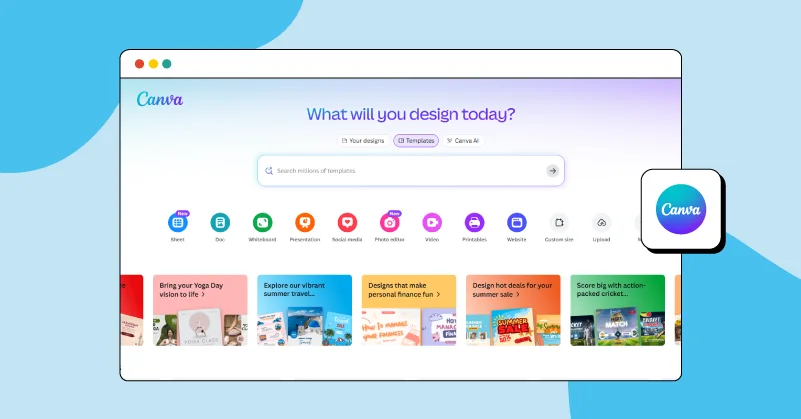
While many free editors are flooding the market, Canva Video Editor stands out as a solid choice for those seeking simple yet professional-grade tools with a user-friendly drag-and-drop interface, requiring minimal editing effort on your part.
The platform offers easy recording features, a library of predefined clips, audio and animations, making it one of the best free software for video editing. Whether it’s for personal or business use, you can polish your videos by removing background noise and enhancing audio without missing a beat. Edit on the go with tools to crop, trim, split, adjust speed and resize all in one place.
You can also auto-generate captions with Canva’s caption tool, making it easy to brand and export videos with subtitles. And if you are looking to fast-track your creation process, Canva is a powerful AI video generation tool, some of the best in the market to help streamline your edits.
Pros
- Browser-based editing or through the Canva app.
- All device-compatible editing.
- Offers advanced AI tools.
- 100,000 artlist’s video and audio library
- Watermark-free stock footage, graphics and stickers.
Cons
- The platform might seem complicated for beginners.
- Very few branding options are available.
Pricing
- Free plan & Paid plans start at ₹500/month.
2. Capcut
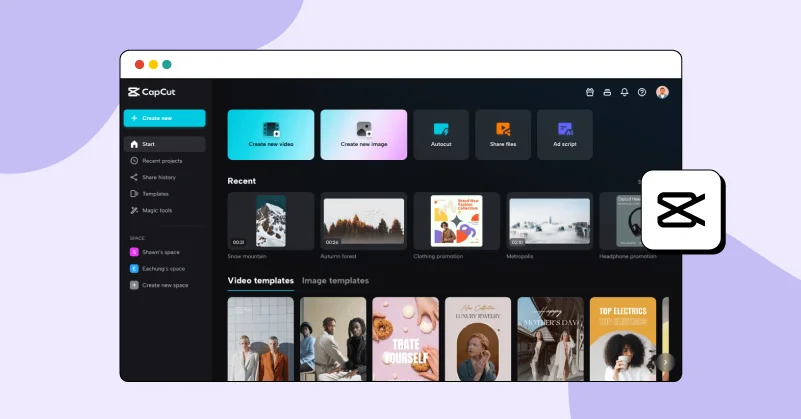
This video editing application offers basic, pro and special features that make editing a smooth and seamless experience. For those looking to edit and save videos using the best free video editing software no watermark, CapCut is an ideal choice.
Create movie-grade visuals by fine-tuning even low-quality footage into 1080p, 2K or 4K resolution, all at no cost. Enhance your videos from scratch using tools like background remover, image upscaler, video resize and video upscaler, all with a single click, in no time.
Dont miss the spectacular colour wheel to fine-tune brightness, contrast and sharpness to achieve the perfect and flawless video look with Capcut. Moreover, with advanced AI features and stunning transitions, you can capture attention and maximise watch time across any social media platform.
Pros
- Add stickers, text and soundtrack.
- Noise and flicker removal.
- Chroma key filters
- Smooth video transitions
- AI colour correction
Cons
- Too many downloads are required to use the software
- Not a browser-based application.
Pricing
- Free plan & Paid plans starts at $9.99/month
3. Adobe Express
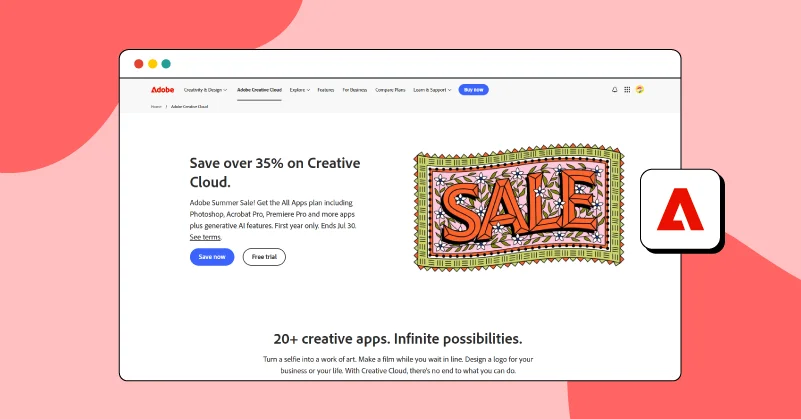
A fast, intuitive and customizable video editor, Adobe Express allows you to easily generate images, videos, social posts and more with the power of AI, helping you excel around 20+ marketing use cases. It stands out from the rest of the Adobe series with its professionally designed, pre-defined templates that let you create flyers, resumes, reels and social media videos all in one place.
Resize your videos for social media campaigns, platforms and other channels with just a click and drive instant engagement through high-quality, creative and easy-to-use designs.
If you are looking for a way to create consistently polished content, Adobe Express is the best free video editing software that you will find, offering a whole set of editing tools, brand colours, filters and fonts suitable for all marketing materials or influencer content.
Pros
- Illustrative brand kit for videos
- Video clips, images, music and animations stock assets
- Adobe Creative Cloud integration.
- Professional templates and generative AI.
- Self recording and bulk editing
Cons
- Social media sharing is not supported.
- The platform appears to be complex.
Pricing
- Free plan & Paid plans start at $9.99/month
4. Davinci Resolve
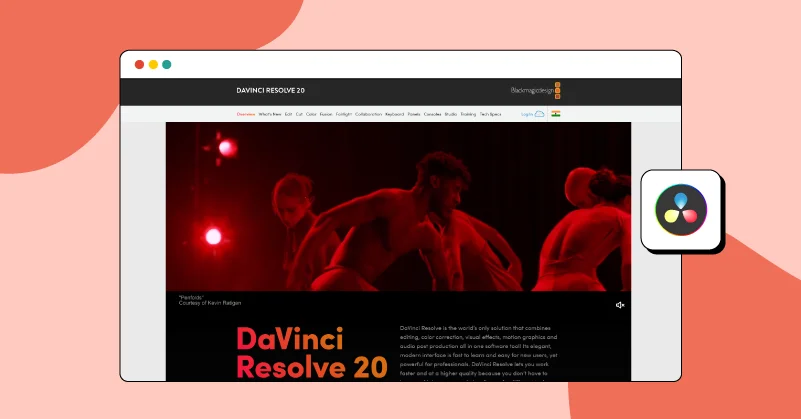
This all-in-one video editing software combines editing, visual effects, color correction, motion graphics and audio post-production, making it ideal for professional editors with advanced technical skills. According to DaVinci Resolve, the software is purposefully designed for professional colourists, editors, VFX artists and sound engineers to create Hollywood-level visual stories with theatrical sound quality.
The platform offers numerous AI-powered editing features, including AI Intelliscript, animated subtitles, and AI Multi-Cam Smart Switch, assisting you at every stage of the editing workflow.
As one of the most popular editing apps similar to CapCut, this software is suitable for both small- and large-scale projects such as films, television shows, streaming content, commercials, marketing videos and documentaries.
Pros
- 2D and 3D tools for visual effects and motion graphics.
- 200+ filters and effects.
- Realistic atmospheric effects like fire, rain and smoke.
- Built-in stabilization and lens correction controls.
- Smoother jump cuts.
Cons
- This software requires multiple downloads.
- Only suitable for professional-level editing.
Pricing
- Free plan & Paid plan start at $295.
5. VEED
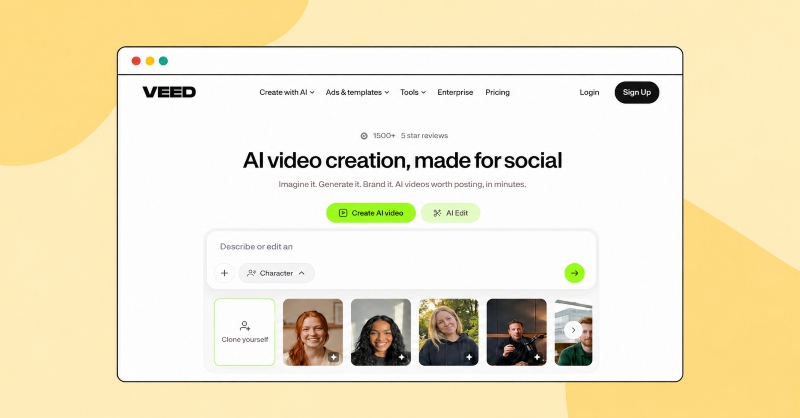
If you’re looking for a dynamic suite of video editing tools to enhance your visual storytelling with a professional touch, while mastering marketing use cases, maximizing productivity and requiring no technical skills, VEED is your perfect choice.
For those still searching for the best free software to edit YouTube videos or other social media and marketing content of any size, you can try their 50+ editing styles in 1080p and 4K video with crystal-clear audio quality, that can come in handy for creators of all levels.
The platform also features a beginner-friendly interface and simple drag-and-drop tools, enabling users to produce high-impact marketing content in minutes without needing to switch between tabs. From resizing, cropping, splitting, slicing, merging clips and zooming for emphasis to exporting in universal formats like MP4, MOV and more, you can do it all with just a click.
Pros
- Browser-based video editor (No downloads or installation required)
- Platform-specific editing
- Easy recording
- Unlimited video hosting
- Extensive video storage space
- No watermarks
- Video Collaboration
- Direct Video Sharing
- All-device compatible editing
- Quick video downloads & sharing
Cons
- No setbacks are noticed so far.
Pricing
- Get in touch with their experts to know more about the pricing plans.
6. Blender
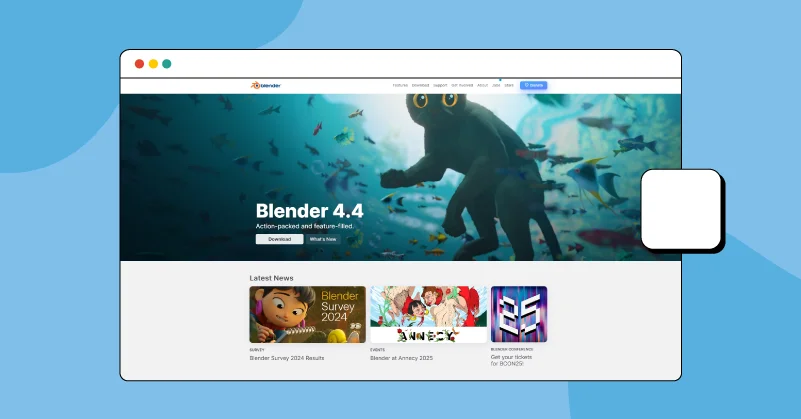
Blender is primarily a 3D animation and video editing suite that allows you to edit videos like a professional video motion artist. It also comes with a built-in video sequence editor featuring tools for cutting, splicing, masking and colour grading, making it suitable for video editors like you who are highly skilled and familiar with more advanced features.
Also, for video editors who are looking to take a step forward in video editing, while still needing the best video editing software for PC(free), Blender is a strong choice. It offers high-end studio-grade tools, including luma waveform, chroma vectorscope and histogram displays.
This all-in-one customizable platform comes with a wide array of shortcut keys that streamline video editing along with interface colour settings that let you tailor the appearance to match brand themes and add a professional touch. What makes this software stand out is its support for HiDPI/Retina displays, ensuring your videos look their best even on smaller screens.
Pros
- 32 slots for adding video, images and audio.
- Speed control and adjustment layers
- Video transitions, keyframes and filters.
- Audio mixing, syncing and scrubbing
- Character designing and sculpting
Cons
- It is not browser-based and needs to be downloaded.
- The software appears to be quite complex
Pricing
- Free plan & Paid plan starts at € 11.50
7. Videopad Video Editor
If you are feeling overwhelmed by choosing between various video editing tools and would be most satisfied with a combination of both simple and advanced features, then VideoPad Video is the best free video editing software that offers professional-grade tools with a simplified editing process.
This video editor allows you to download additional effects separately based on your needs, so you don’t have to flood your PC or Mac with unnecessary features or clutter your storage. Just download what you need and start editing right away.
From adding visual effects and transitions to editing audio, voice, and music, everything is covered and available at your fingertips. Create videos in minutes using fast editing, trimming, and splitting tools. Optimise your footage with speed control, colour correction, and camera shake reduction, all with just a few clicks.
Pros
- 60+ supported video formats.
- 50 + visual and transition effects
- Chroma key and green screen
- Add custom logos and watermarks
- Share online and directly to YouTube
Cons
- The platform appears complicated, with too many required downloads.
- It is not suitable for beginners or creators with minimal editing skills.
Pricing
- Free trial & Paid plan starts at $39.95
8. Clipchamp
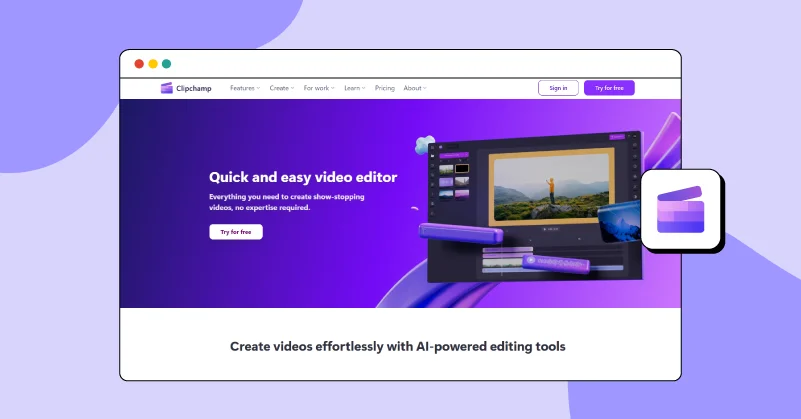
Ever dreamt of creating a show-stopping video with zero technical skills? Say hi to Clipchamp, one of the best free video editing software for Chromebook, for effortless video editing. This AI-powered video editing tool combines both traditional and advanced AI features, allowing you to create unlimited videos with no watermark.
Easily adjust the aspect ratio of your video to suit any social media platform. Add branding elements, background colours, fill blank spaces or apply blur effects to perfect every inch of your content. Use AI silence removal to automatically cut out long pauses or silences and refine your speech by removing filler words.
Whether you are making marketing videos or producing content for business promotion, Clipchamp simplifies editing by helping you get your content ready for various social media platforms with just a click.
Pros
- AI subtitles for 80 + languages
- All device compatible editor
- AI text to video feature
- GIF maker
- Remove audio from video
Cons
- Very few video editing tools are available.
- No direct video sharing options to social media are provided.
Pricing
- Free plan & Paid plan starts at ₹899.00
9. Openshot
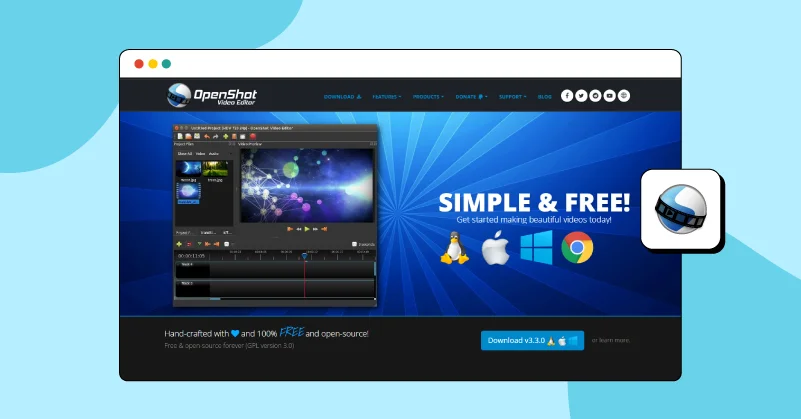
If you are in search of an easy-to-use, quick-to-learn video editor, give OpenShot Video Editor a shot and start your editing journey today. From simple trimming and slicing to adding powerful animations and keyframes, it offers everything you need for your video projects.
The platform features specialised timeline-based editing that allows you to reverse, slow down or speed up videos with just a click. With a simple drag-and-drop tool, you can edit videos, audio, and images by uploading them directly from your files. You can even visualise your audio files using waveforms and audio tracks, helping you create stunning sound design to make your videos sound their best.
OpenShot is great for fine-tuning visuals, offering a balance of simple and medium-level editing tools for both professionals and beginners. Enhance your videos visually with its powerful video effects engine to adjust brightness, invert colours, remove backgrounds and more, all from one place.
Pros
- Cross-platform video editor.
- Beautiful 3D animated titles
- Available in 70+ languages
- Adds no watermark
- Simple User Interface
Cons
- No AI editing tools are available.
- The download process seems difficult.
Pricing
- Free video editor
10. Imovie
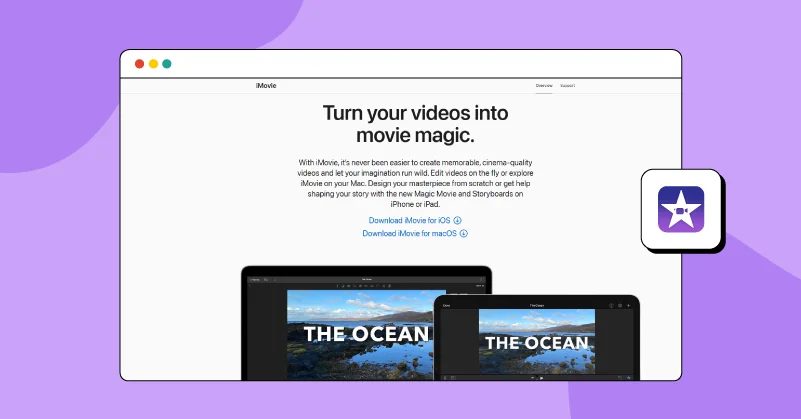
Are you an ardent Mac user looking how to edit videos on mac or create cinema-quality videos? Do it effortlessly with iMovie. Turn your raw footage into magical moments using tools for clip trimming, splitting and more. Not sure where to start? No worries, pre-made video templates help you transform your ideas into compelling stories.
For every Mac lover who prefers editing within the Apple ecosystem, this best free video editing software on Mac that lets you import and edit ProRes videos and add Apple ProRAW images to your projects with ease.
Customise video titles to make your content look more dynamic by choosing from a wide selection of fonts and colours, and place them wherever you like. The green-screen effect and video masking controls are added features that allow you to place your characters in any setting and fine-tune them for maximum realism.
Pros
- 20+ video editing styles
- 20+ pre-defined storyboards
- 13 creative video filters
- 100+ smart soundtracks
- Green screen, picture‑in‑picture or split screen
Cons
- No AI editing tools are available.
- It may seem complicated for window users.
Pricing
- Free video editor
How Did We Conduct Our Test
Our opinions and perspectives alone don’t matter, so we have highlighted a few criteria that ensure a fair testing process.
Compiled List:
We have created a list of video editing software that includes both browser-based platforms and downloadable applications for Windows, Mac or Linux. The software has been categorised into the following groups based on their G2 rating as well as user reviews:
- Free tools with reasonably good video editing features
- Editors that offer both free and paid plans
- Video editing platforms with only paid plans
Product Testing:o
We listed basic to advanced video editing tools and compared them by personally signing into each platform. We evaluated the efficiency of each video editing tool, platform or software based on the following factors:
- Editing speed
- Smooth video playback
- Number of features
- Compatibility across all devices
- Quality of automated editing
- Ease of installation
- Storage space requirements
- Direct sharing capabilities
Ranking Order
We have ranked the top 10 in an order that makes it easy for you to explore and get started, helping you validate and trust the process.
The curated lists above are professionally crafted to help you get started with your editing process in no time. From the best video editing software for Android to Mac, Windows and iOS, we have got everything covered for you.
All you have to do is browse through and start editing with ease!